
AI Aim Assist - Apex Legends Guide
Installation & Configuration
1. Download the software from your account page and follow the installation wizard to install the base application.
2. Watch the following video to see how to use the application.
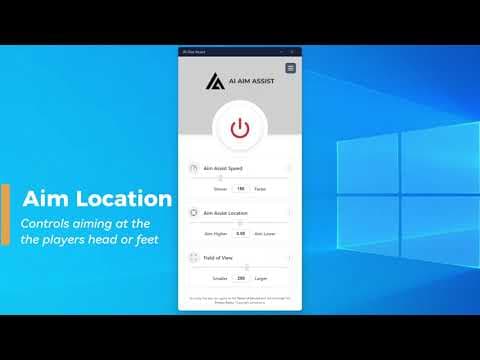 Watch the setup video
 Troubleshooting
If the installation failed or did not fully complete, uninstall AI Aim Assist from add and remove programs and perform the install again. You can also press the repair button on the application's help screen if it's installed but won't start.
This can happen if your game graphics settings are too high, try reducing the graphics quality in the game's options and capping your frame rate to around 100 fps.
When aiming down sight, if your aim moves erratically or uncontrollably try reducing your speed. If the speed is set too high it can cause a bouncing effect where your aim overshoots the target and moves back.
If you find your aim is switching between identified enemy players, reduce the Aim Assist Field of View in the app. This means that the detection area is smaller and focuses your aim on the player that is more likely in the direction you are facing.