

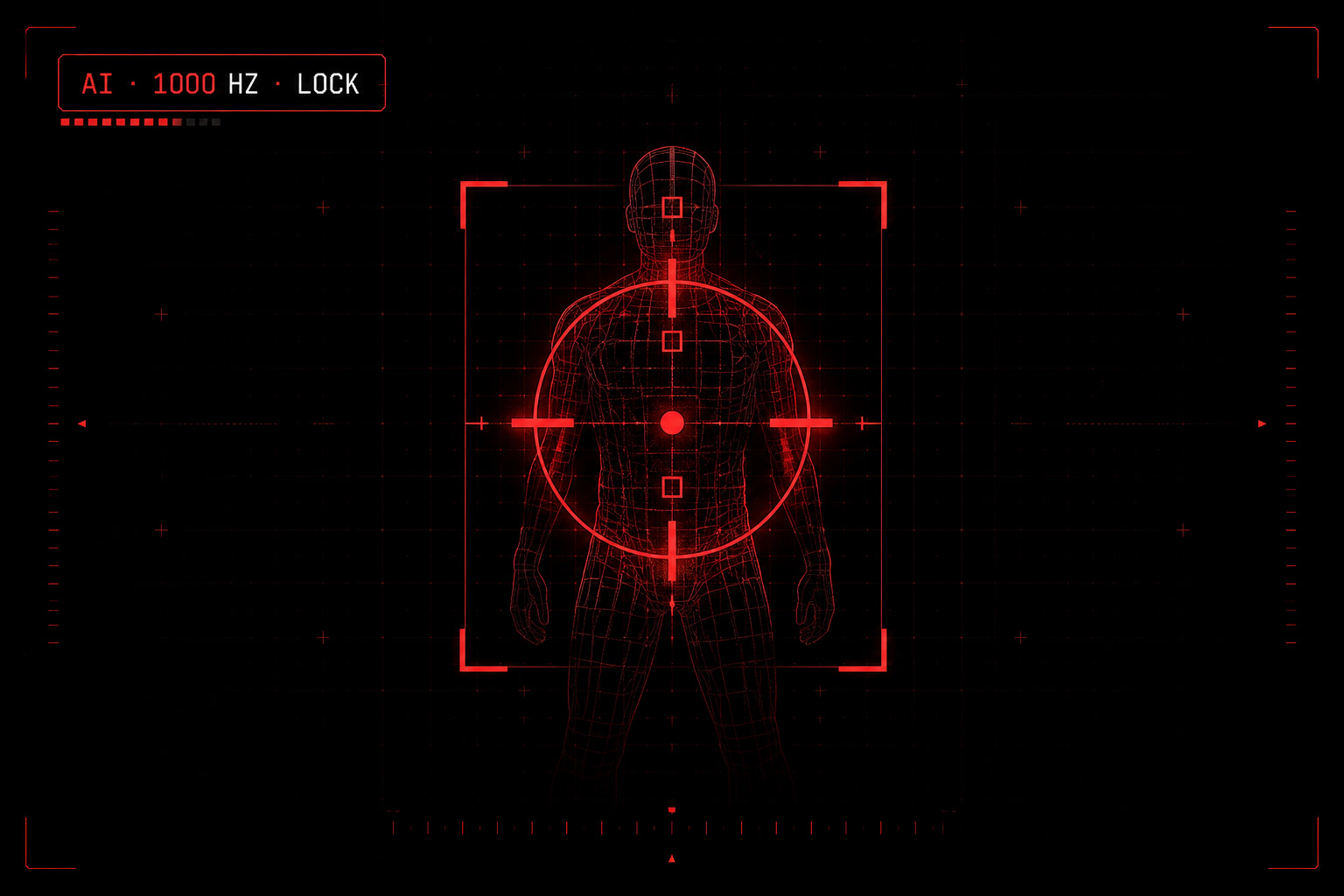
If you've heard people talk about "AI aim assist" and wondered whether it's a new cheat, a new in-game feature, or something else entirely — it's the third thing. AI aim assist is a category of accessibility software that runs on your own PC, reads your screen with a computer-vision model, and gently helps your reticle stay on the target you're already aiming at.
This guide walks through what it actually is, how it's different from the aim assist baked into Call of Duty or Apex Legends, the kind of hardware it needs, and the players it's designed for.
The short answer
AI aim assist is a runtime that sits between your input device (controller or mouse) and the game. It looks at the pixels on your screen with a real-time AI model, identifies enemy outlines, and makes very small adjustments to your aim — typically smoothing your tracking and nudging the cursor toward the target you're moving toward.
It does not click for you. It does not snap onto enemies behind walls or read game memory. It works the way a player who's a bit shaky on a controller might want their hand to behave — steadier, less jittery, slightly more responsive when an enemy is right where you're already pointing.
That distinction matters because it's why this category exists at all. It's not designed to replace skill. It's designed for players who have the skill but can't always physically execute on it — players with motor coordination challenges, fatigue, RSI, or anyone who wants to keep playing the games they love without their hand letting them down.
How it differs from native game aim assist
Every major shooter ships with some form of native aim assist for controller players. Call of Duty has it. Apex Legends has it. Halo, Fortnite, Marvel Rivals — all have variations of "rotational" or "slowdown" aim assist baked into the controller code path.
Three things make AI aim assist different.
It's external to the game. Native aim assist is a feature the game itself supplies. It usually only works on controller, because that's how games balance the playing field against keyboard-and-mouse opponents. AI aim assist isn't tied to the game's controller code. It works from what's on the screen, so each edition supports the input its game is played with: controller for Apex Legends, keyboard and mouse for Counter-Strike 2, and either for Call of Duty.
It works on PC where native controller aim assist doesn't. Call of Duty's full controller aim assist is generally weaker (or absent) on PC than on console. AI aim assist is one of the few legitimate ways for a PC controller player to get assistance comparable to what console players get for free.
It's tunable per-player. Native aim assist is a single value the game decides on. AI aim assist gives the player six independent controls — tracking strength, target position (head/chest/hips), lock-on speed, response curve, smoothing — so the assist matches your specific need, not the average player.
For a deeper side-by-side comparison, see AI aim assist vs native game aim assist.
How it actually works
The runtime has three components that fire in sequence, every frame:
1. Detect. A computer-vision model trained on enemy outlines runs on your NVIDIA GPU. It looks at the current frame of the game and outputs the bounding boxes around any enemy player it sees. This is the same kind of object detection used in self-driving cars and medical imaging — it's not reading the game's memory, it's reading your monitor.
2. Track. A smoothing layer takes the detected target and follows it as it moves. This is the part that eliminates micro-jitter — instead of your reticle wobbling around the enemy, it sits on them.
3. Compensate. The compensate layer applies a configurable nudge toward the smoothed target. How strong, how fast, and where on the target body (head, chest, hips) are all settings you control.
Throughput is around 1000 Hz on a modern RTX card — well above any monitor's refresh rate, so the assist always has fresh information.
For the technical breakdown, see How AI aim assist works under the hood.
What it needs to run
The hardware bar is real. AI aim assist needs:
- NVIDIA RTX 20-series or newer GPU. The detection model is GPU-accelerated. RTX 20, 30, 40, and 50 cards all work. Apple Silicon, AMD Radeon, and Intel Arc aren't supported today — not because they're slow, but because the model is currently compiled for NVIDIA's CUDA stack.
- Windows 11 on x64. No Mac, no Linux, no console. The runtime is a Windows application.
- A modern CPU. Anything Intel 8th-gen or AMD Zen 2 or newer is fine.
- 16 GB of RAM comfortably if you're also running game capture, streaming, or a voice client.
That's it. No special controller, no kernel-level installer, no game-specific patching. You launch the runtime before your game starts; it sits in the background while you play; you close it when you're done.
What it doesn't do
There's a clear line between accessibility software and cheating, and AI aim assist is on the legitimate side. Things it specifically does not do:
- No wall hacks or ESP. The model only sees what your monitor sees. If the enemy isn't on screen, the runtime doesn't know they exist.
- No auto-fire or auto-clicks. You still pull the trigger. The runtime can help your aim stay on a target, but the shot is always yours.
- No game memory reads. Game-memory reading is what gets people banned. This runtime is a screen reader plus an input nudger — it never touches the game process.
- No "snap" to head. The lock isn't snappy. Even at maximum strength the nudge is gradual and feels like a steadier hand, not a robot.
The line matters because publishers run anti-cheat that flags memory-read patterns, not screen-reading software. Tools that look at your monitor and provide accessibility-style assistance have historically been the same category as colorblind modes and screen readers.
Who it's for
This is the part that gets lost in the marketing for a lot of similar products. AI aim assist is genuinely accessibility software. The clearest users are:
Players with motor coordination challenges. Hand tremor (from medication, stress, age, or conditions like essential tremor or early-stage Parkinson's) makes precise aim much harder than it used to be. The smoothing layer alone can dramatically reduce the impact.
Players with RSI or pain. Long sessions on a controller or mouse cause real wrist and hand pain for a lot of people. Reducing the muscular effort needed to maintain a steady aim is genuine relief.
Players with fatigue. Whether from a long work day, a chronic condition, or just being human, your hand is steadier in hour one than in hour six. Levelling that curve back out is a legitimate use case.
Returning players. People who used to play competitively and now play for fun often find they can no longer execute at the level they remember. This is one way to close that gap without grinding aim trainers for months.
See Aim assist for players with motor difficulties for the accessibility deep dive.
Which games does it support?
The current supported title list:
- Call of Duty — Warzone, Black Ops 7, Black Ops 6, Modern Warfare 3
- Apex Legends — Battle Royale, Arenas, Ranked
- Counter-Strike 2 — keyboard and mouse only (the CS2 edition doesn't support controllers)
You can try it on other games — the model itself isn't tied to any one title — but the per-title profiles (tracking speed defaults, target position presets) are tuned for those games specifically.
For game-by-game coverage:
- Aim assist for Call of Duty in 2026
- Aim assist for Apex Legends in 2026
- Why CS2 doesn't have aim assist (and what helps your aim instead)
How it compares to aim training
A reasonable question: if I want to aim better, shouldn't I just use an aim trainer like Aim Labs or Kovaak's?
Aim trainers and aim assist solve different problems.
Aim trainers train your aim. You drill flicks, tracking, target switching for half an hour and your in-game aim slowly improves over weeks and months. Great for players who have the time and the physical baseline to grind.
Aim assist supports your aim in real time. It doesn't make you better in the long term; it makes you more consistent right now. That matters if you have a physical limitation training won't fix, or if you don't have the hours to spend on drills.
For a lot of players the answer is both. Train your aim in Aim Labs three times a week, run AI aim assist when you're playing the actual game. See Aim trainer vs aim assist: when each helps.
Pricing & how to try it
AI Aim Assist runs on a simple subscription. Weekly £7.75, monthly £15.50, or yearly £77.50. Same software, same features on every tier — the only difference is the billing duration. You can cancel any time.
The trial path is the weekly plan — under £8, includes everything, and you can cancel mid-week if it isn't for you. See pricing for the current rates and how to subscribe.
Common questions
Is AI aim assist allowed? It's not a cheat in the technical sense (no game-memory access, no auto-fire) but every game publisher's terms of service ultimately decide what they're comfortable with. AI Aim Assist is positioned as accessibility software in the same category as Tobii eye trackers and one-handed controller adapters. Use it as it's intended — to help you play games you'd otherwise struggle with — and you're operating in the spirit of that category.
Will I get banned? The runtime doesn't trip standard anti-cheat (no memory reads, no DLL injection into the game). That said, the safest practice is to use it for the games you've subscribed for, and not to try to play in high-tier competitive ranked where assistance of any kind is more closely scrutinised by both publishers and other players.
Does it work on console? No. PC only. The runtime needs an NVIDIA GPU and a Windows 11 system; no PlayStation or Xbox version is planned. RemotePlay or PS Remote also isn't supported.
Can I use it with a controller AND a mouse? It depends on the game. Call of Duty has a controller edition and a mouse edition, Apex Legends is controller only, and Counter-Strike 2 is keyboard and mouse only. Controller players tend to notice the bigger benefit, because controller aim has more inherent jitter than mouse aim, but mouse players with hand pain or RSI report meaningful relief too.
If you want the next step:
- See the pricing page for the three subscription tiers
- See the Apex Legends, Call of Duty or CS2 game pages for per-title specifics
- Browse the Game Guides category for per-title setup walk-throughs